

Field work doesn’t always wrap up on one person’s schedule. A shift ends, the weather turns, a specialist is needed for the last step, or the inspector simply runs out of daylight. Until now, required fields meant a record couldn’t leave the device until every one of them was filled in, so the work stayed stuck with whoever started it.
Record Hand Off changes that. Your team can save what they’ve collected, send it back to the server, and hand it to someone else to finish, without weakening the rules that keep your data complete.
Introducing Record Hand Off
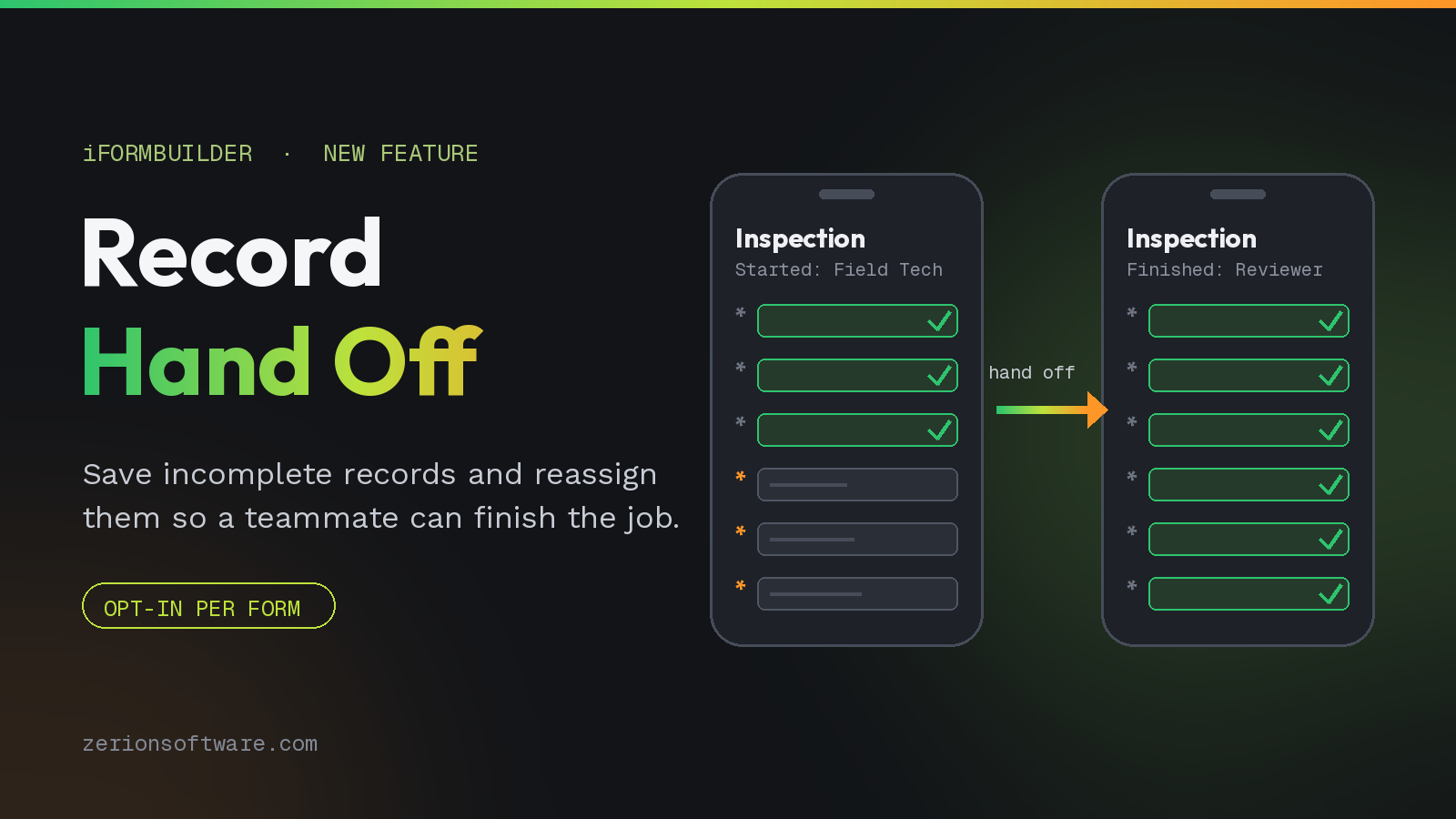
With Record Hand Off in iFormBuilder, a field user can bypass required fields to save a partially completed record back to the server. From there, the record can be reassigned to another user who picks up exactly where the first person left off.
This is an opt-in feature. Form designers decide which forms allow it, so required fields stay required everywhere else. You get the flexibility of shared workloads on the forms that need it and the same data integrity you rely on across the rest of your apps.
With Record Hand Off, your team can:
- Save a record to the server even when required fields are still open.
- Reassign in-progress work to another user so nothing sits idle on a device.
- Split multi-step jobs across roles, like a technician collecting data and a supervisor completing sign-off.
- Keep work moving when shifts change, conditions turn, or a job runs longer than planned.
- Control exactly which forms allow hand off, with required-field rules intact everywhere else.
See Record Hand Off in Action
Watch the walkthrough to see how a record is saved with required fields bypassed and handed off to a teammate for completion.
Built for Shared Workloads
Record Hand Off is a natural fit for any workflow where one person starts the job and another finishes it:
- Inspections: A field inspector captures site conditions and photos, then hands off to a reviewer for findings and approval.
- Maintenance and work orders: A technician logs the issue and parts used, and the next shift closes it out.
- Agriculture and environmental sampling: Field crews record samples on site, and lab staff add results later.
Looking for more ways to route work across your team? See how to assign records without elevated access and edit and delete records without admin access.
Getting Started with Record Hand Off
Record Hand Off is enabled by form designers on a per-form basis. Visit the Zerion Help Center for step-by-step setup instructions, or rewatch the demo anytime:
Want to talk through how hand off could fit your team’s workflows? Schedule a time to meet, or reach out to us at sales(@)zerionsoftware.com.
Thanks for being part of the iFormBuilder community.
We’re here to support you every step of the way, whether you’re building better forms, sharing work across your team, or discovering what AI can do for your operations.
